
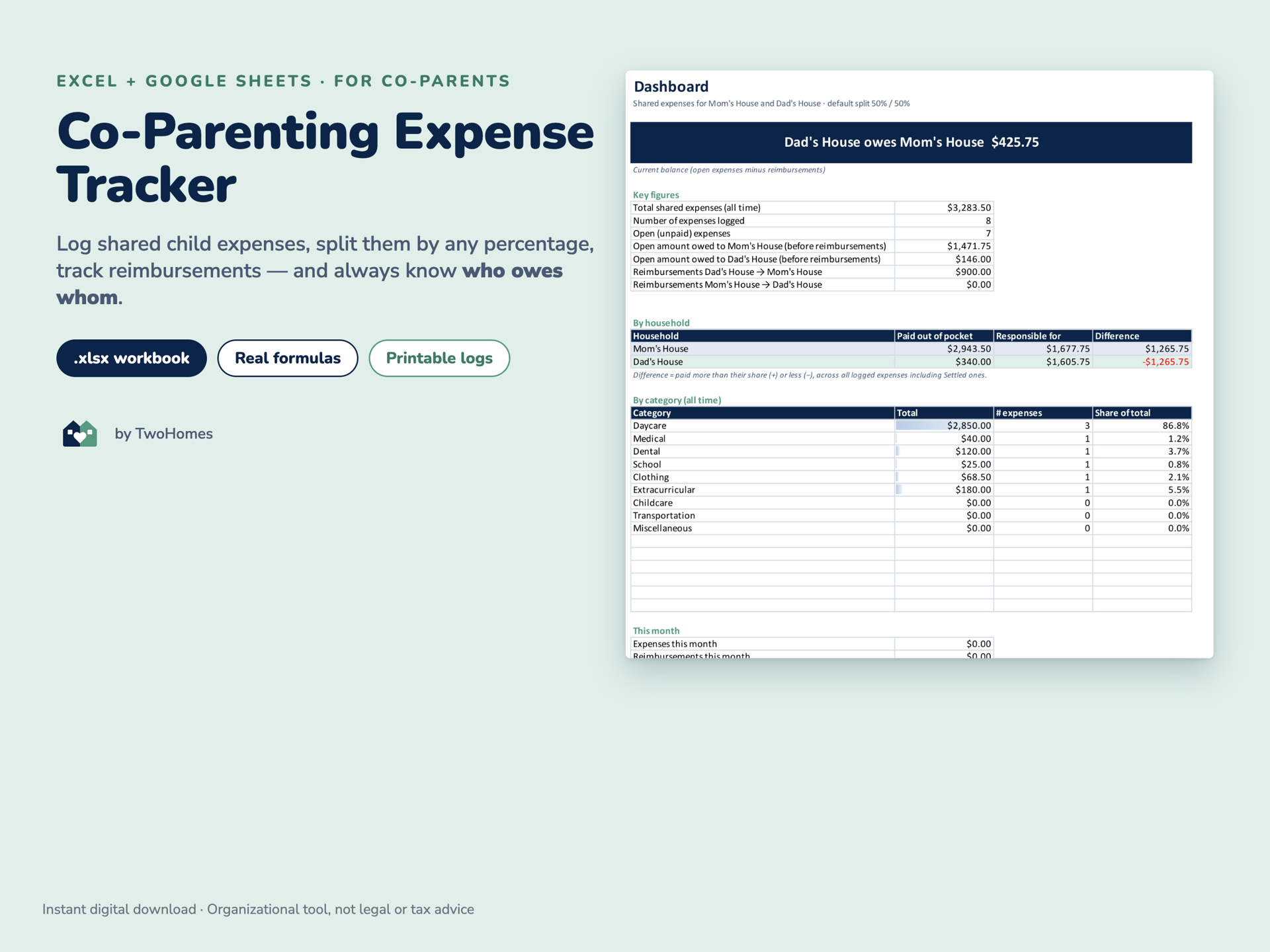
Co-Parenting Expense Tracker
Who paid, who owes, settled — in words, not guesswork
- Who it’s for
- Parents and caregivers
- Formats
- Excel · PDF · Fillable PDF
$6.99
One-time purchase · instant digital download
Direct purchase is not open yet
- US Letter and A4 included
- Fillable PDF versions
- Excel workbook with real formulas, no macros
- Print as often as you like for your own household
An organizational tool. These templates help you plan and record. They are not legal, tax or financial advice, and nothing here replaces a court order, parenting plan, mediation or advice from a family-law attorney. If you have a court order, follow it.
Digital download. Nothing is shipped. Files are delivered digitally. Colors may vary slightly between screens and printers.
Personal, family use. Print as often as you like for your own household or households. Not for resale, redistribution, or use in classroom or clinical products.
About this resource
What it is
Shared costs are where co-parenting gets tense, usually because nobody can agree on the number. This workbook keeps one running record: every expense, who paid it, how it splits, and what has actually been reimbursed — then states the current balance in a sentence.
Real formulas, no macros. Open the Dashboard and it tells you who owes whom and how much, broken down by household, by category and by month. A six-page printable companion covers the same ground on paper if you would rather log by hand.
Why it helps
- End the “I already paid you back for that” conversation with one shared record.
- See the real balance at a glance instead of re-adding receipts every month.
- Keep a clean annual total for tax time or for a review of your parenting plan.
Topics
- Shared expenses
- Family organization
What’s inside
- Seven tabs: Getting Started · Dashboard · Expense Log · Reimbursements · Monthly Summary · Annual Summary · Categories & Settings
- Any default split, 50/50 out of the box, with a per-item override for one-off costs
- Reimbursements recorded separately — partial payments, multiple payments, either direction
- Open items tinted until covered; settled items marked clearly
- Monthly summary across 24 months, annual summary across four years
- Drop-downs and validation on every input column; formula cells protected without a password
Files you receive
- Excel
Expense Tracker workbook
7 sheets, 500 expense rows, 200 reimbursement rows
Printable companion — US Letter
6 pages
Printable companion — A4
6 pages
- Fillable PDF
Fillable companion — US Letter and A4
Start Here sheet
Printing and usage
- Excel 2016+ or Microsoft 365. Google Sheets works via File → Import.
- Apple Numbers opens the file but may not show the conditional colors — Excel or Google Sheets is recommended.
- Sample data is included so you can see it working; clear it with one select-and-delete.
Also available in a bundle
Buying more than one?
This resource is part of the bundles below, which work out cheaper than buying each product on its own.
 Bundle
Bundles
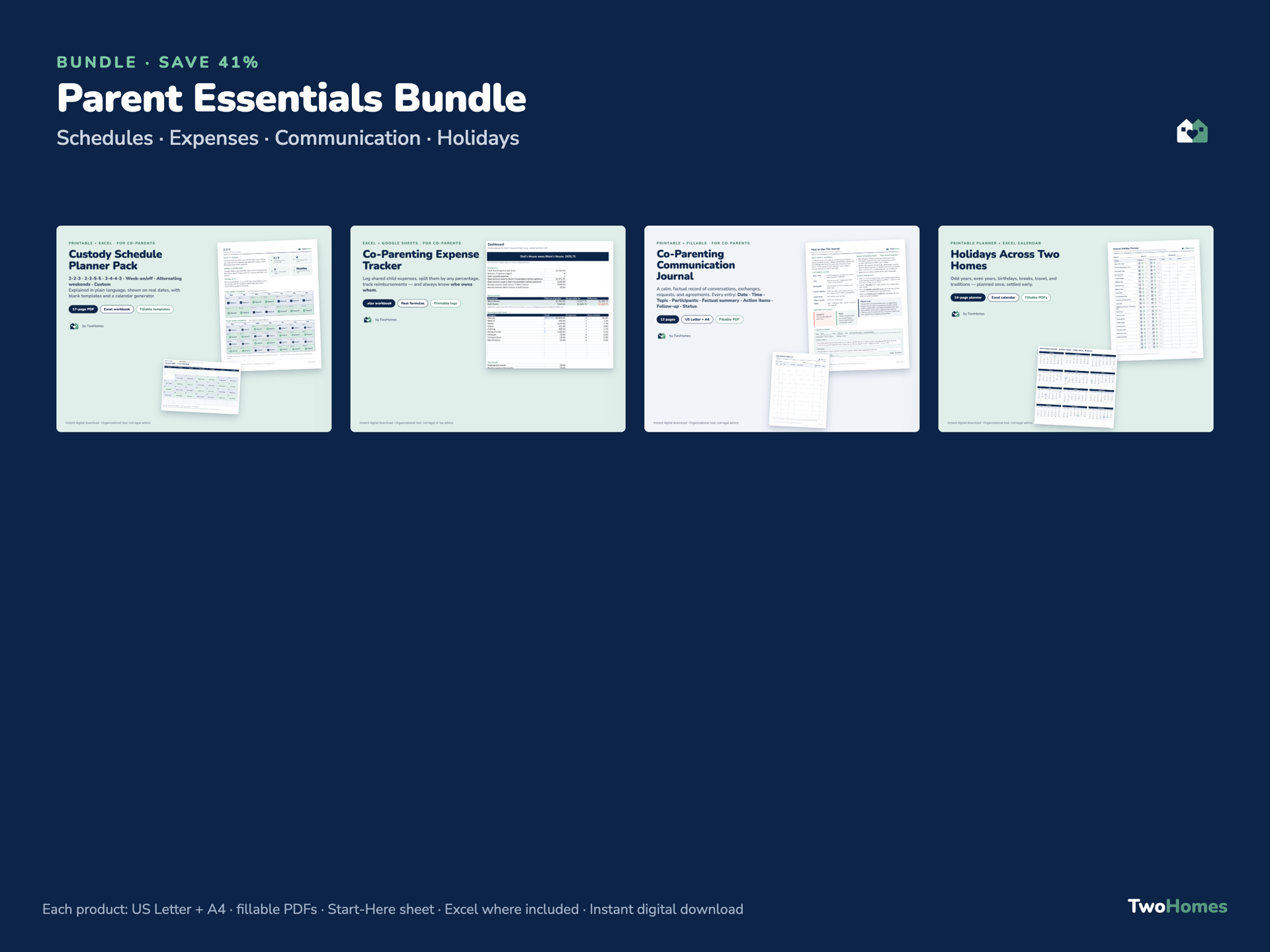
Parent Essentials Bundle
All four parent products — schedule planner, expense tracker, communication journal and holiday planner — in one bundle.
- Fillable PDF
- Excel
$19.99View details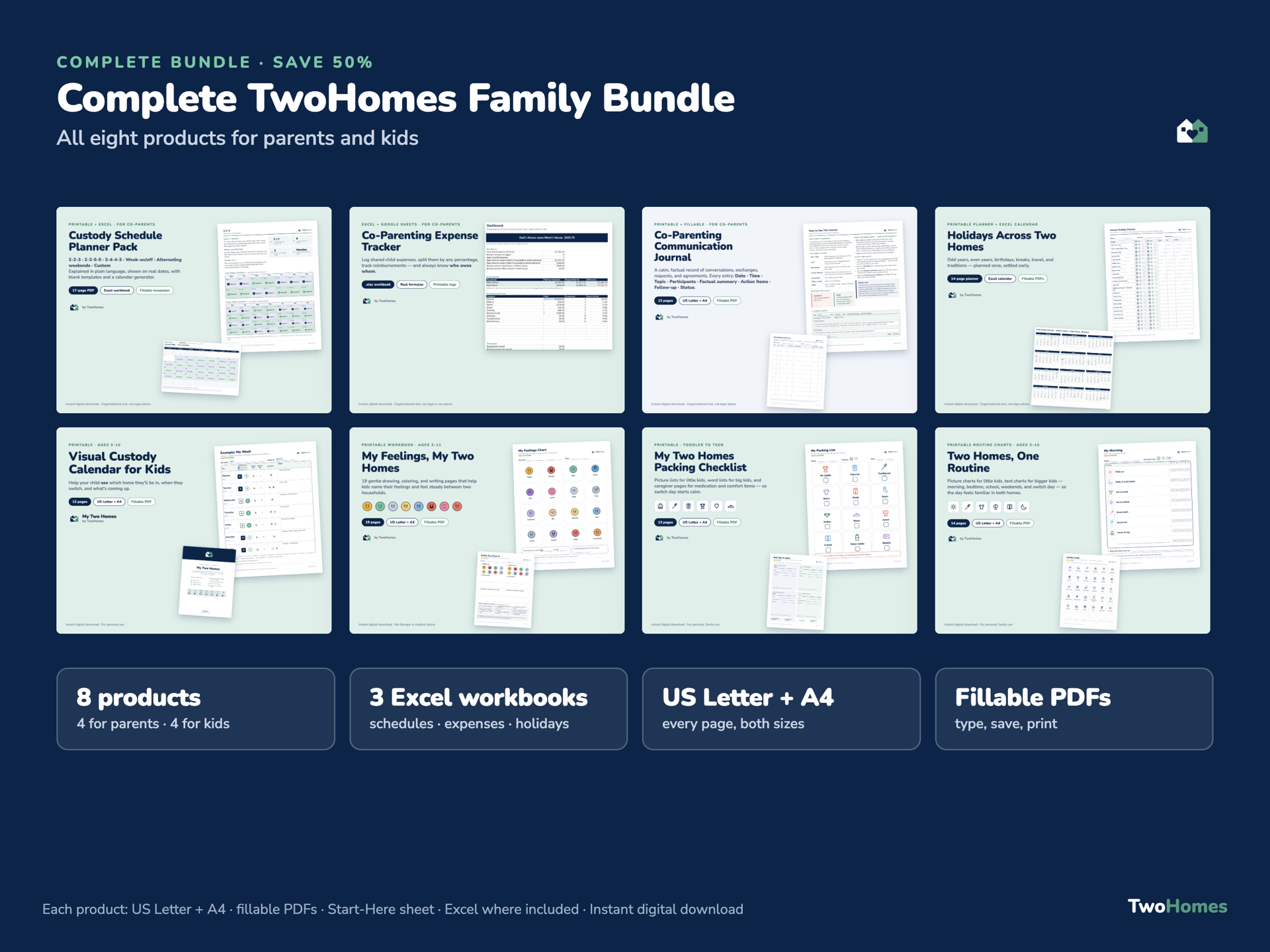 Bundle
Bundles
Complete Family Bundle
Every Two Homes Together product — the four parent planners and the four children’s resources — in a single bundle.
- Fillable PDF
- Excel
$29.99View details
You might also need
Related resources
For Parents
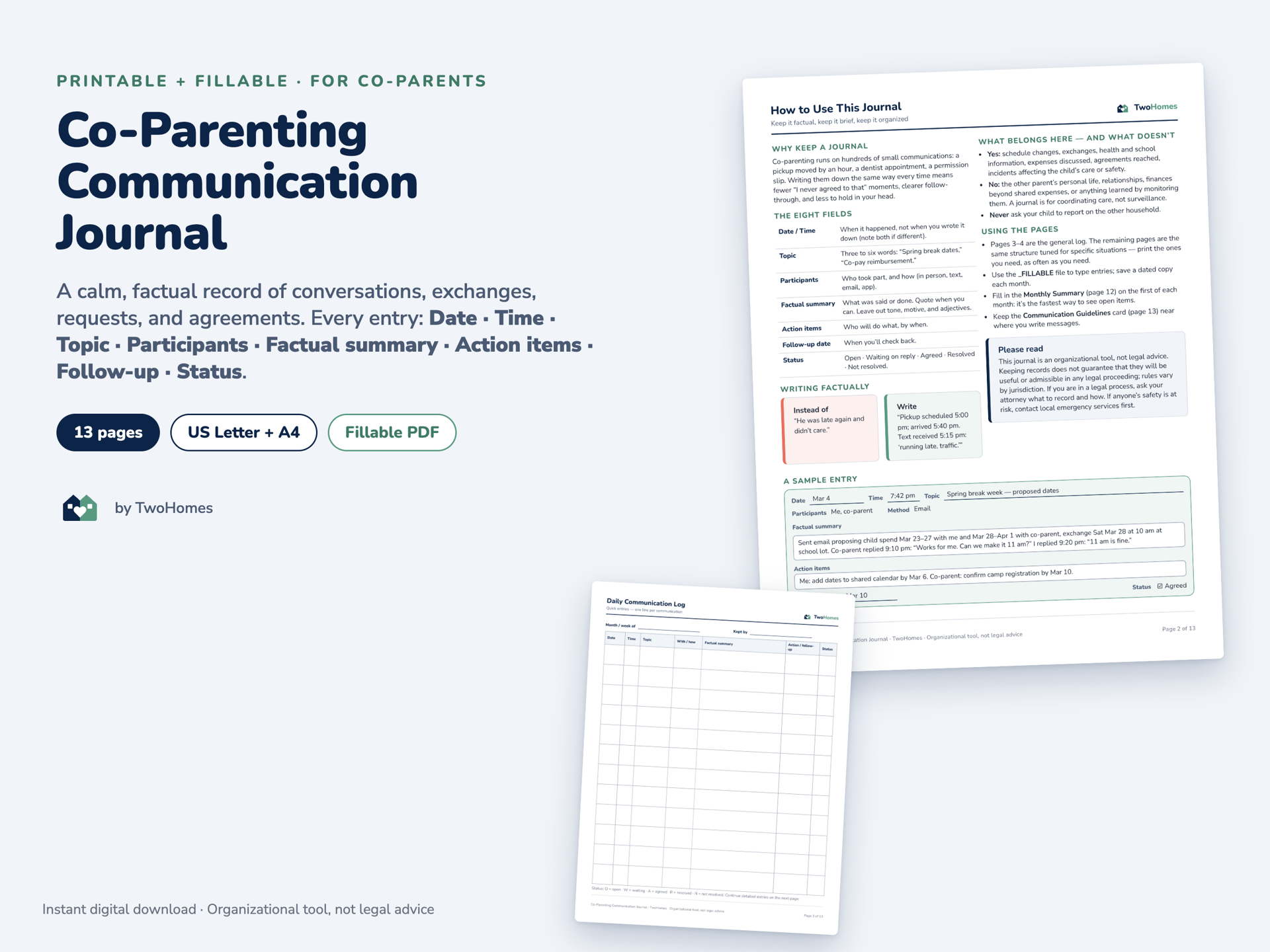
Co-Parenting Communication Journal
Thirteen pages of logs that capture every co-parenting conversation in the same eight factual fields, so nothing has to live in your head.
- Fillable PDF
$8.99View details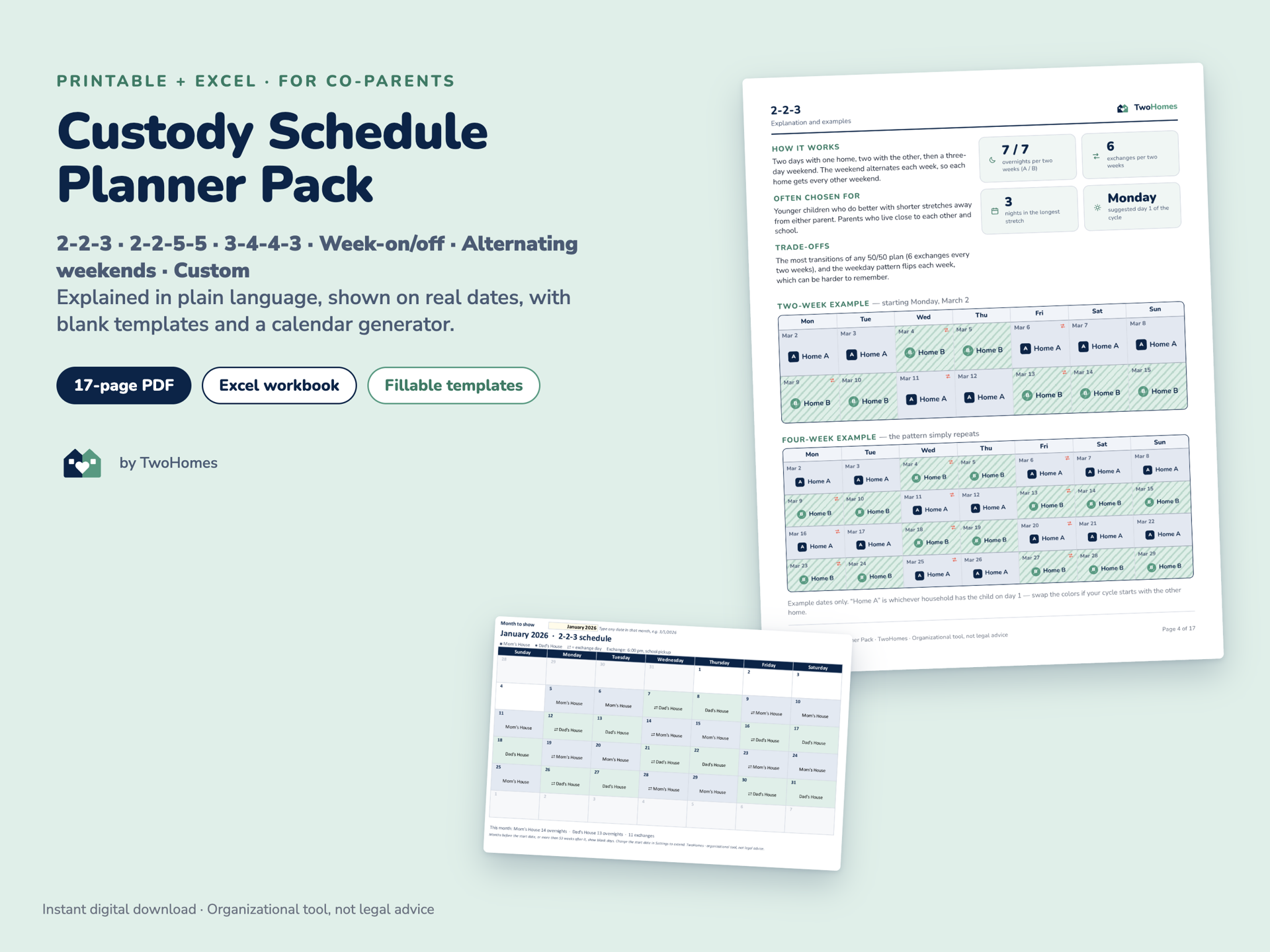
For Parents
Custody Schedule Planner Pack
Six custody rotations explained in plain language, with two- and four-week examples, blank templates and an Excel calendar builder.
- Fillable PDF
- Excel
$9.99View details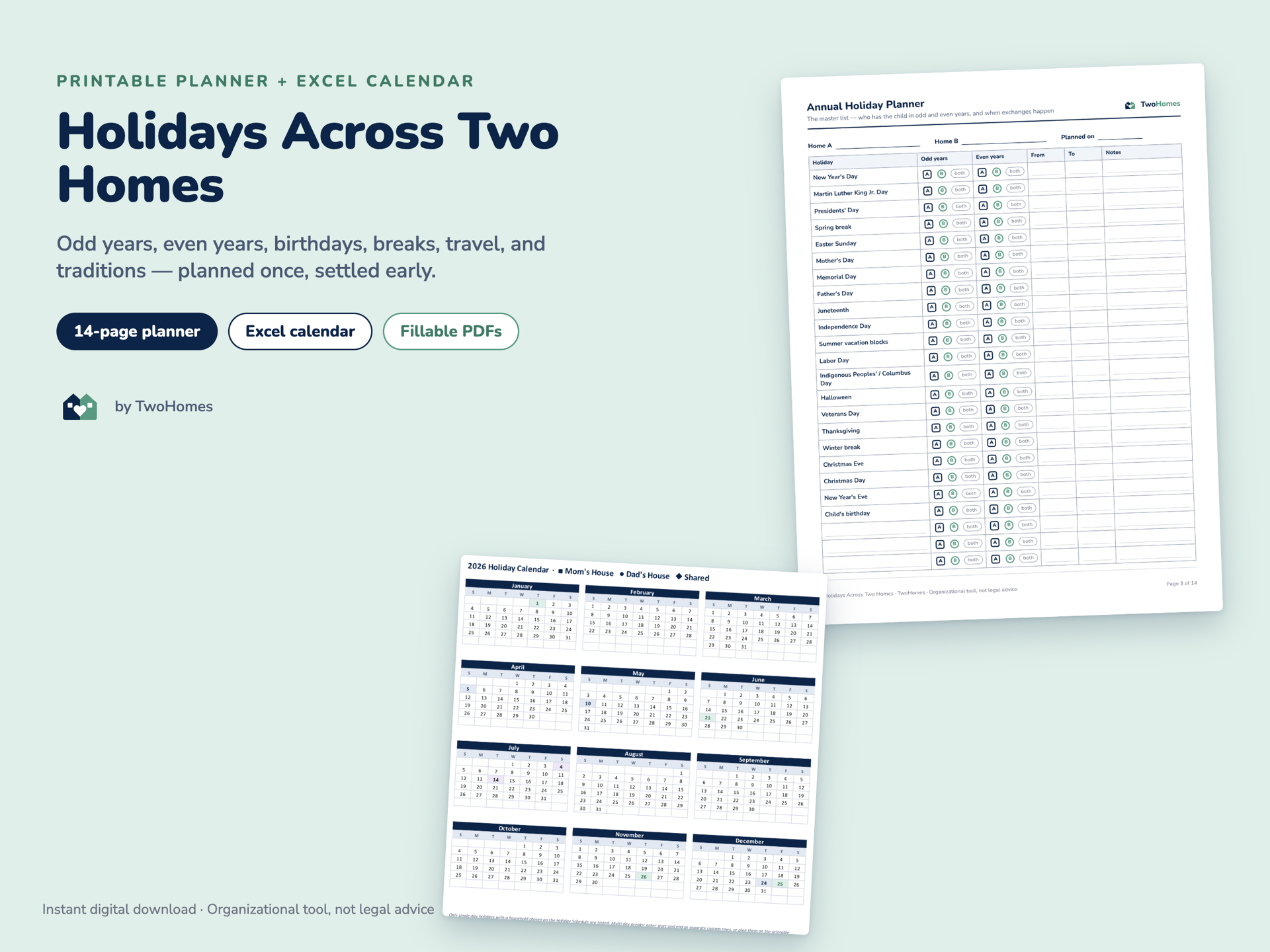
For Parents
Holidays Across Two Homes
An annual holiday planner with odd/even-year schedules, worksheets for every big holiday, and an Excel calendar that dates 20 holidays for any year.
- Excel
- Fillable PDF
$7.99View details